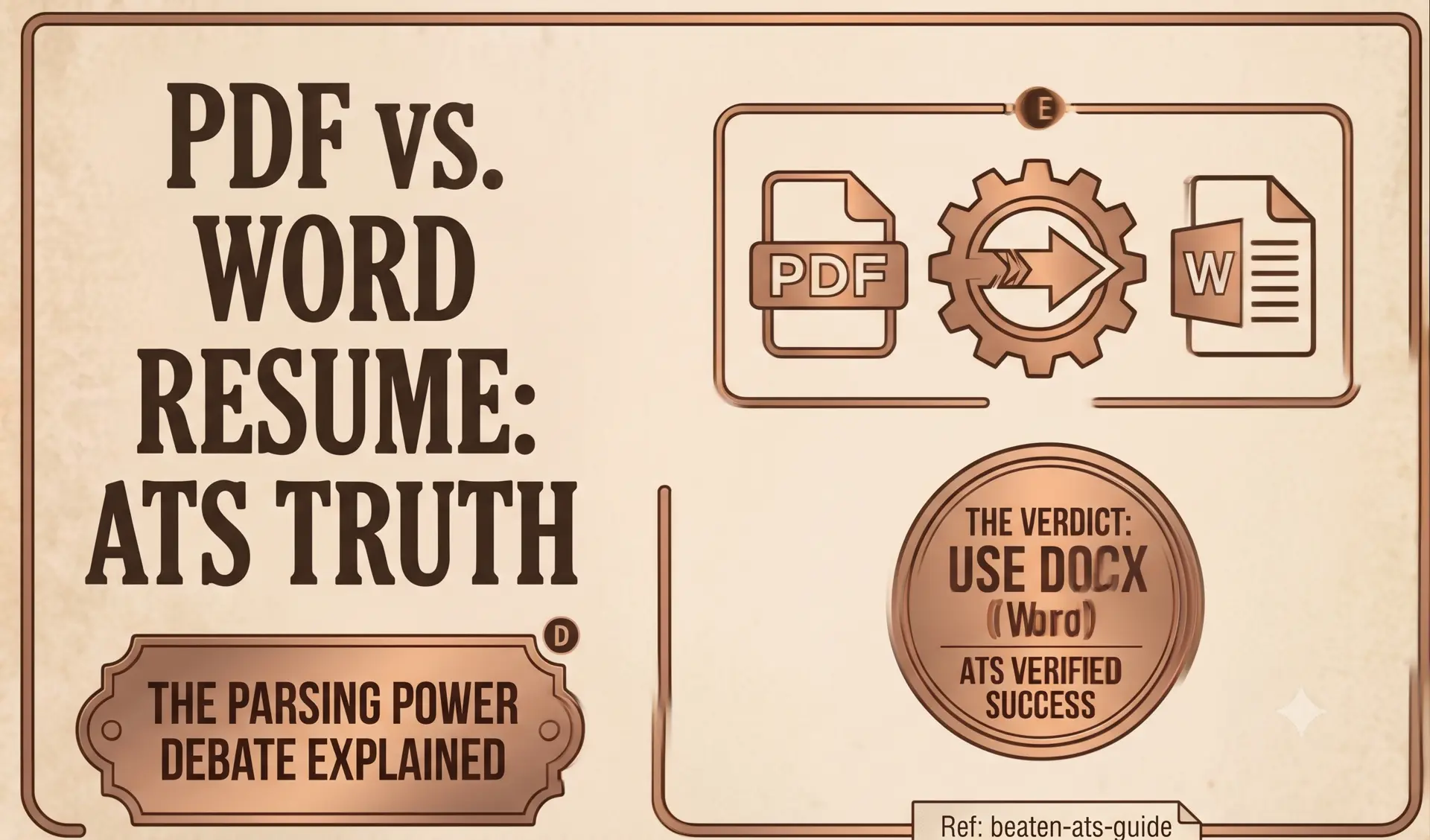
For the last fifteen years, a piece of ancient career advice has echoed across corporate HR blogs and university career centers: “Always submit your resume as a Microsoft Word (.docx) file because ATS bots cannot read PDFs!”
This advice is not just outdated; it is technically flawed.
If you are applying for high-tier roles in modern corporate ecosystems, uploading an unformatted, volatile .docx file is one of the quickest ways to scramble your layout, trigger font substitution errors, and hand hiring managers an unreadable document.
Here is the unvarnished breakdown of how file parsers interpret binary documents, why the “Word is safer” myth refuses to die, and the exact rules for submitting a bulletproof resume format.
The 1999 Origin of the Myth
To understand why this debate exists, we have to look back to the early 2000s. Early Applicant Tracking Systems (like legacy Taleo deployments) were primitive text scrapers running on rigid server hardware.
When an applicant uploaded a PDF in 2006, the scraper attempted basic character extraction. If the PDF was compiled with non-standard font subsets or vector compression, the parser returned raw hexadecimal garbage or outright crashed. Microsoft Word documents (.docx), being zipped XML packages, were trivial for these early scrapers to unpack.
The result: Career counselors declared that “PDFs break machines” and spent the next two decades repeating the rule.
Software engineering has moved on. Today, 99% of enterprise ATS platforms (including Greenhouse, Lever, and Workday) utilize modern text-extraction engines and Adobe PDF library standards. Modern machines read text-based PDFs with near-flawless precision.
The Microsoft Word “Rendering Roulette”
While modern parsers can read Word documents, submitting a .docx file introduces a severe, high-stakes game of visual roulette when your resume lands in front of a human recruiter:
- Font Substitution Catastrophe: If you build a clean 1-page layout on Windows using a custom font, but the recruiter opens it on macOS using Apple Pages or an older Office version, their system swaps missing fonts with fallback typefaces. Because different fonts have different kerning and line heights, your balanced 1-page document suddenly explodes into 1.25 pages, leaving two lonely bullet points stranded on page two.
- Hidden Metadata Leakage: Word files retain internal revision history. If you drafted your resume over an old file, un-scrubbed
.docxpackages can expose previous revisions, deleted text, or internal comments to third-party file viewers. - Dynamic Reflow: Word documents reflow based on local margin defaults and print settings, destroying custom date alignments and tableless tab stops.
Why a Vector PDF is the Gold Standard
A PDF (Portable Document Format) is an immutable digital blueprint. It explicitly defines the exact coordinates of every character, line, and whitespace block on a fixed physical canvas.
When engineered properly, a PDF provides:
- Zero Visual Drift: Renders identically on Windows, macOS, iOS, Android, and web browsers.
- Embedded Font Vectors: Type glyphs are baked directly into the binary file, eliminating font substitution risks.
- Deterministic Text Extraction: ATS scrapers extract the
/Textstream in clean sequential order.
The Canva Trap: Not All PDFs Are Equal
There is one massive trap that leads to instant rejection: Flattened Image PDFs.
If you use visually decorative resume templates from graphic design tools like Canva or Photoshop, the software often flattens your text into a rasterized image before saving. When an ATS crawler opens that file, it does not see text; it sees a flat photograph. The machine indexes your application as having zero words, zero skills, and zero experience.
The 3-Second Highlight Test:
Before submitting any PDF to a job portal:
- Open the PDF in your web browser (Chrome, Edge, or Safari).
- Highlight a sentence using your cursor.
- Copy it ($Ctrl+C$ / $Cmd+C$) and paste it into a plain text editor like Notepad.
If you can highlight individual words and paste clean text, the ATS parser can read it. If dragging your mouse draws a giant selection box over the whole page like a photograph, your file will fail automated screening.
Stop gambling with volatile .docx files. Use our free resume builder to compile pure Unicode text layers into locked vector PDFs. You can also read our complete Master ATS Guide to understand every step of the automated screening process.
Stop formatting. Start applying.
We built CleanATS to force your resume into the exact layout modern hiring parsers demand. It completely handles the margins, the typography, and the structural hierarchy for you.