If you search online for visual resume templates, you will almost certainly stumble upon a layout that looks like this:
Python: ★★★★☆ (80%)
React.js: ★★★★★ (100%)
Leadership: ★★★☆☆ (60%)
Nothing signals “amateur resume engineering” faster than a self-assigned skill progress bar.
From a human perspective, it makes no sense. What does “80% in Python” mean? Have you memorized 80% of the language syntax? Does it mean you write bugs 20% of the time? And why would you voluntarily submit a document telling a hiring manager you are only “60% competent” at Leadership?
More importantly, from a technical perspective: graphic skill bars are completely invisible to Applicant Tracking Systems.
An automated parser cannot calculate the pixel width of a colored CSS progress bar or count filled-in SVG stars. The visual element is stripped away, leaving behind unmapped characters or empty fields.
Here is the unvarnished reality of how modern ATS engines extract, evaluate, and weight skills, and how to structure your technical competencies using a clean resume format.
How Semantic Parsers Actually Evaluate Skills
Modern ATS platforms do not just perform simple Ctrl+F string matching. Platforms powered by talent intelligence software like Eightfold.ai and Phenom utilize Natural Language Processing (NLP) to calculate semantic skill relevance:
- Presence (The Binary Match): Does the exact token
"PostgreSQL"exist in the document? - Tenure & Recency: Was the skill applied in your current role (2024–Present) or stranded in an entry-level position from 2017?
- Contextual Reinforcement (Semantic Weight): Is the skill only listed in a bottom skills dump, or is it anchored to a quantified work experience achievement?
If you list a skill only in a generic list at the bottom of your resume, you earn baseline keyword credit. But to score in the top percentile of candidate rankings, that skill must be contextually reinforced inside your actual job descriptions.
The 3 Disastrous Ways Candidates List Skills
1. The Meaningless Progress Bar
Progress bars provide zero readable data to parsers and project arbitrary self-doubt to human reviewers. Remove all graphic meters entirely.
2. The Uncategorized Keyword Dump
Dumping 50 unorganized technologies into a single block of text triggers anti-spam heuristics in modern screening software. Recruiters recognize this as keyword stuffing. If you claim proficiency in 40 disparate tools without structure, reviewers assume superficial familiarity rather than genuine depth.
3. Mixing Soft Skills with Technical Skills
Listing soft attributes like “Hardworking”, “Strong Communication”, or “Team Player” inside your technical skills inventory wastes valuable real estate. ATS algorithms do not filter candidates by searching for “Hardworking.” They search for hard skills, software suites, frameworks, and certifications. Soft skills must be demonstrated through quantified accomplishments, not listed as standalone nouns.
The High-Yield Categorized Format
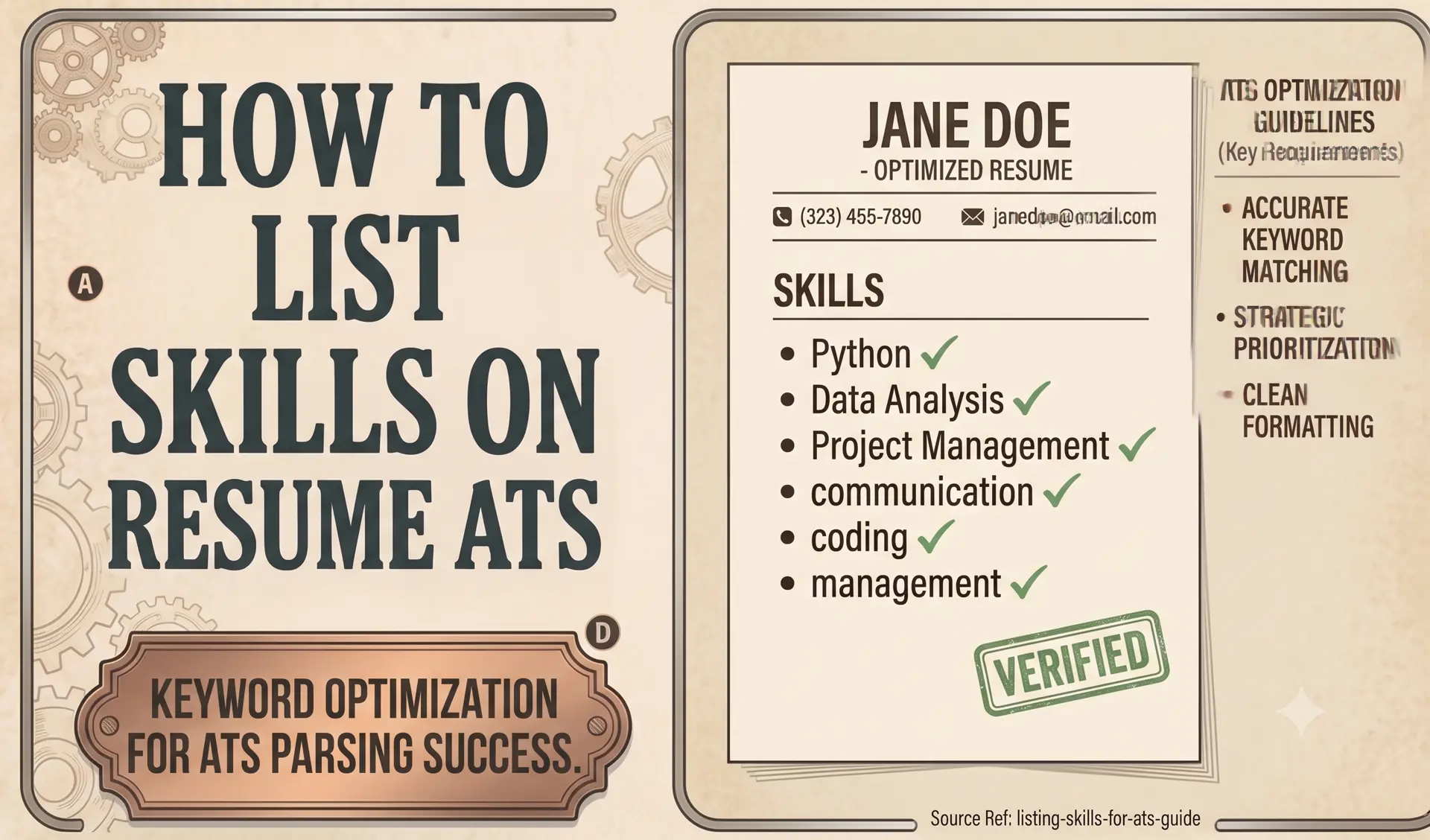
To ensure your skills pass automated filters and remain scannable during a recruiter’s 6-second review, organize your inventory into 3 to 4 categorized tiers:
Languages & Frameworks: TypeScript, React.js, Node.js, Python, Next.js
Databases & Storage: PostgreSQL, MongoDB, Redis, DynamoDB
Cloud & Infrastructure: AWS (S3, Lambda, EC2), Docker, Kubernetes, CI/CD
Tools & Methodologies: Git, RESTful APIs, GraphQL, Microservices, Agile/Scrum
The “Two-Touch” Keyword Rule
To achieve maximum ATS ranking, apply the Two-Touch Rule:
- Touch 1 (The Skills Inventory): List the technical skill cleanly in your categorized Skills section (e.g.,
Databases: PostgreSQL). - Touch 2 (The Quantified Context): Anchor that exact keyword to an achievement bullet in your Work Experience section (e.g., “Optimized complex PostgreSQL database queries, reducing query latency by 42% across high-throughput production clusters.”).
By connecting the keyword in your inventory to an active verb and a measurable business outcome in your history, you satisfy both the binary keyword scanner and the deep semantic context engine.
Build your document with our free resume builder to keep your skills organized, context-anchored, and fully indexed by hiring algorithms. If you want industry-specific keyword cheat sheets, check out our tailored role templates or browse our ATS & Career Blog for more technical guides.
Stop formatting. Start applying.
We built CleanATS to force your resume into the exact layout modern hiring parsers demand. It completely handles the margins, the typography, and the structural hierarchy for you.