We have all experienced this exact flavor of late-night job-hunting misery:
You find the perfect open role at a Fortune 500 company. You click “Apply.” You are immediately redirected to a URL that looks like company.wd1.myworkdayjobs.com.
You let out a heavy sigh. You create your 47th unique Workday account with a 12-character password that requires an uppercase letter, a number, a special character, and the blood of a firstborn child. You upload your meticulously polished PDF.
Then, you click the fateful button: “Autofill with Resume.”
Two seconds later, the screen populates:
- First Name:
San Francisco - Current Employer:
+1 (555) 019-2834 - Job Title:
May 2021 – Present - Work Experience: [Blank]
Why does an enterprise software platform valued at over $60 billion consistently scramble standard English? More importantly, how is this parsing failure secretly causing your application to get rejected before a human recruiter ever sees it?
Here is the technical reality of how the Workday parsing engine processes documents, and how to use a machine-readable resume format to force Workday to index your profile with 100% accuracy.
The Architecture of Workday’s Ingestion Pipeline
Workday does not evaluate resumes like a human reading a story. It operates as an enterprise ERP database.
When you submit an application, Workday’s ingestion service strips away all visual styling, margins, colors, and design elements. It converts your PDF into a raw, unstructured string of UTF-8 text.
Next, its text-processing algorithms go hunting:
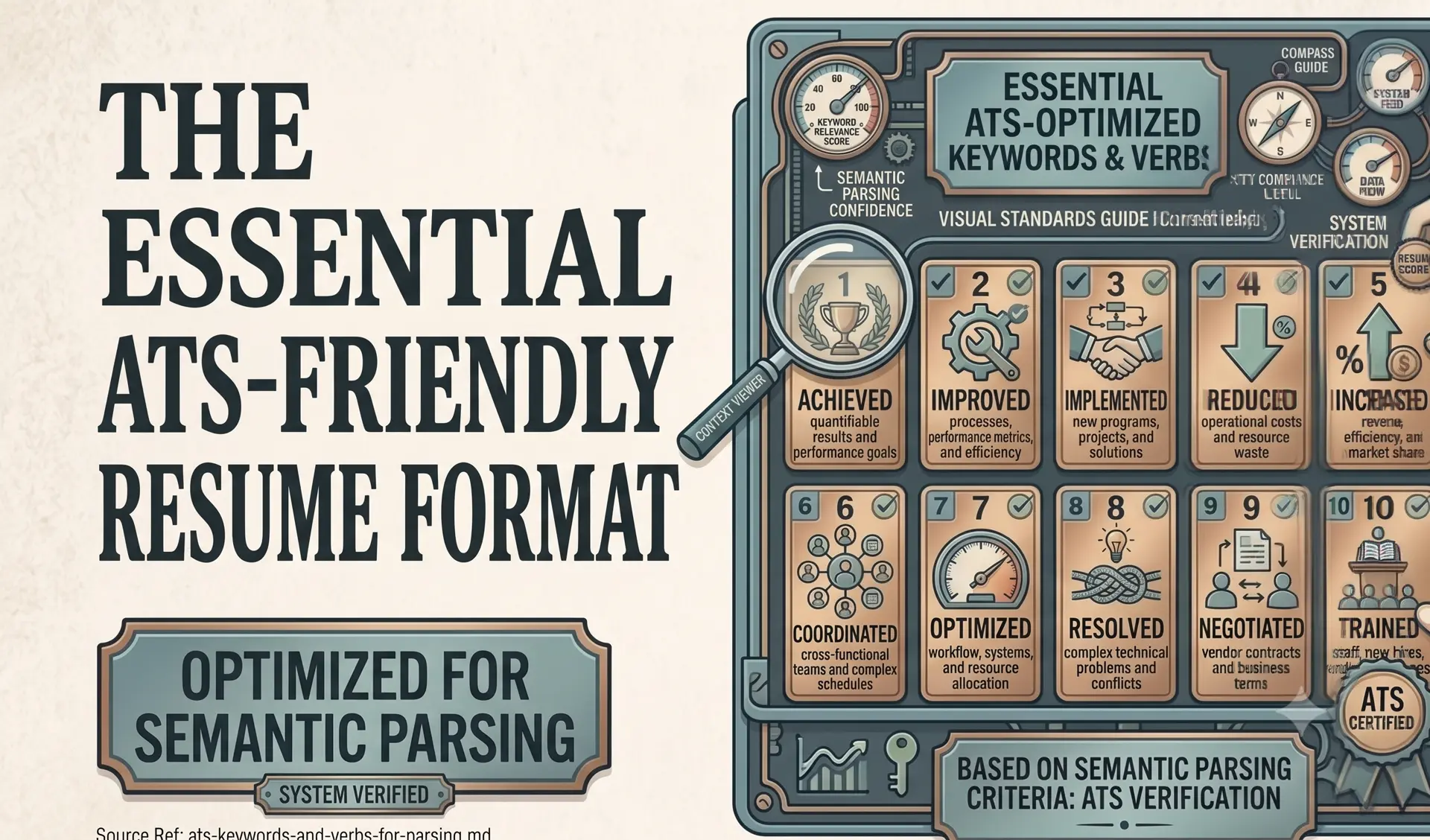
- Section Segmentation: Scanners search for strict, dictionary-standard semantic headers (like “Work Experience” and “Education”).
- Entity Tokenization: Once a header is found, the parser dissects the text into four distinct database keys:
[JOB TITLE],[EMPLOYER NAME],[DATE RANGE], and[LOCATION]. - Skills Cloud Indexing: The extracted tokens are cross-referenced against Workday Skills Cloud to calculate an automated match score against the employer’s job requisition.
When the autofill screen breaks, it means the tokenization engine failed. If the machine cannot figure out which line is your job title and which line is your employer, it creates a corrupted database record.
When a recruiter opens their dashboard the next morning and filters 400 applicants by “Minimum 3 years as a Software Engineer”, candidates whose profiles failed to parse cleanly are excluded from the filtered candidate list entirely.
The 3 Reasons Workday Scrambles Your Data
1. Creative Section Headers
Workday’s regex parser is notoriously rigid. If you use trendy, creative headers on your resume:
- Instead of “Work Experience”, you write: “Where I’ve Made an Impact”
- Instead of “Skills”, you write: “Core Competencies & Toolkit”
The parser fails to recognize the section boundary. It assumes everything under that header belongs to whatever standard section preceded it, or drops the entire block into an unindexed generic text field.
2. Multi-Column Header Blocks
If you place your contact info in a two-column header (e.g., Name and Email on the left, Phone and LinkedIn on the right), Workday reads straight across the horizontal plane:
John Doe +1 (555) 019-2834 Senior Product Manager john@email.com
Because the phone number sits between the name and the target role, Workday gets confused and assigns your phone number to the Candidate Title field.
3. Graphic Resume Templates
If you built your document using visual design software like Canva, the software frequently exports text as layered elements or flattened graphics. When Workday’s text scraper opens that file, it finds zero readable text strings, logging you as a candidate with zero years of experience.
The Fix: Engineering for the Machine
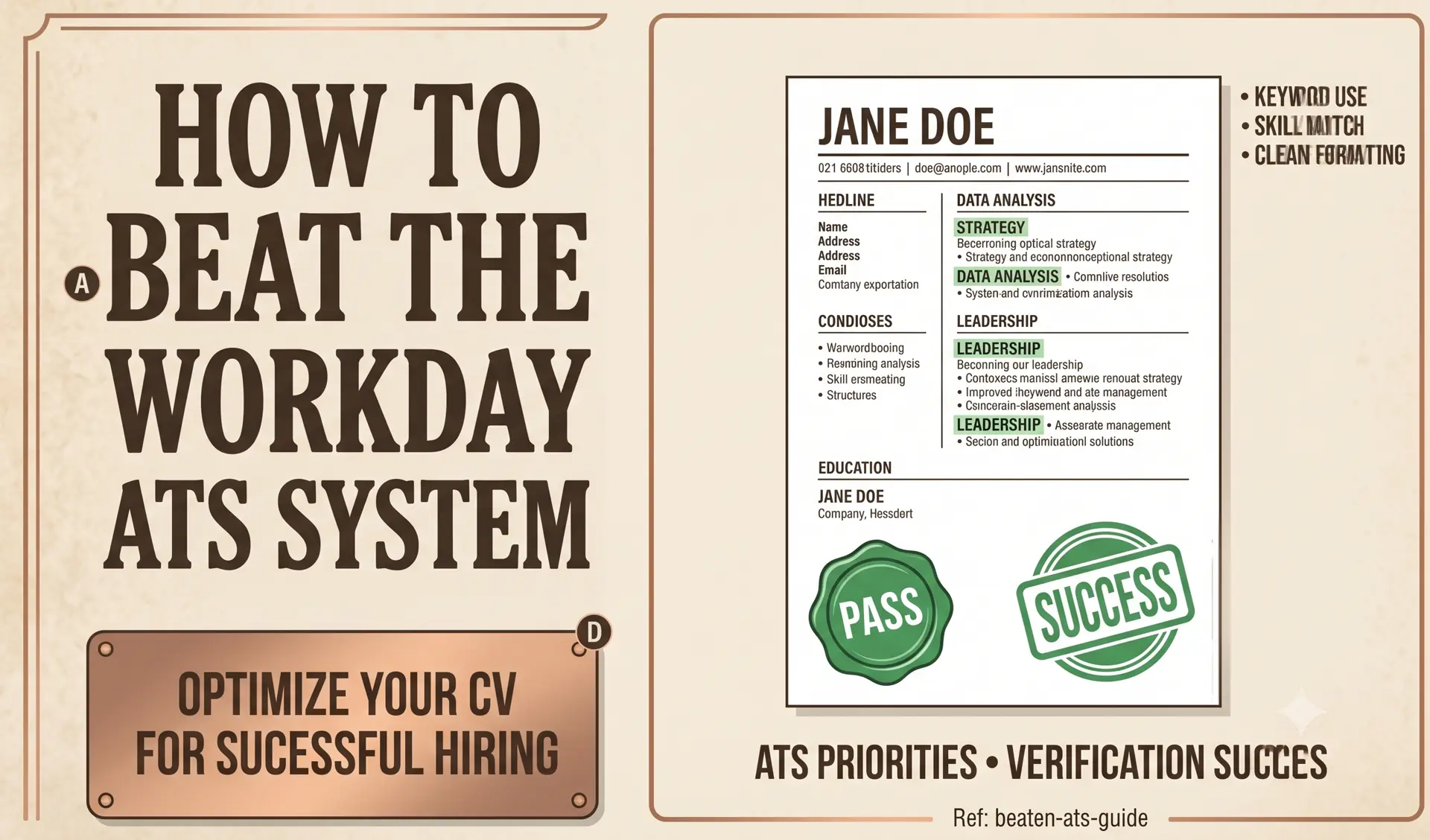
To ensure your application passes through Workday and autofills every field with zero manual corrections, you must drop the graphics and embrace a strict, single-column document flow.
This is why we built CleanATS. Rather than offering another flashy, broken template, our free resume builder formats your career data into clean Unicode text layers that Workday, Greenhouse, and Oracle Taleo parse with 100% data fidelity.
If you want to see verified layouts tailored to your exact industry, browse our role-specific resume directory to get pre-mapped keywords for software engineers, nurses, project managers, and 80+ other career paths.
The Ultimate Workday Verification Test:
The most reliable way to check your document’s technical readiness is on the platform itself:
- Find any live job requisition hosted on a
myworkdayjobs.comsubdomain. - Click “Apply” and select “Autofill with Resume.”
- Upload your PDF.
If Workday populates your Name, Contact Info, Work History, Job Titles, and Dates with zero errors, your resume maker generated a machine-ready file. If it scrambles your data, run your text through our free ATS builder to fix your document hierarchy immediately.
Stop formatting. Start applying.
We built CleanATS to force your resume into the exact layout modern hiring parsers demand. It completely handles the margins, the typography, and the structural hierarchy for you.